
Over time, I’d noticed a slight uptick in my Amazon AWS bill.
We have a lot of infrastructure on AWS, so the total expenditure never seemed that out of line. I’m used to paying infrastructure costs for hosting dozens of websites, some of them very large.
But I was doing some budgeting recently and realized it would probably be a good idea to have Claude take a look at the AWS Cost Explorer with me. I found some very useful, and somewhat embarrassing, things.
First: a very expensive snapshot
In May 2025, we had an office data crisis when some key hard drives died. As part of making absolutely sure we didn’t lose anything, I created a very large AWS snapshot.
We survived the crisis, migrated the data elsewhere, and moved on. The snapshot, unfortunately, did not.
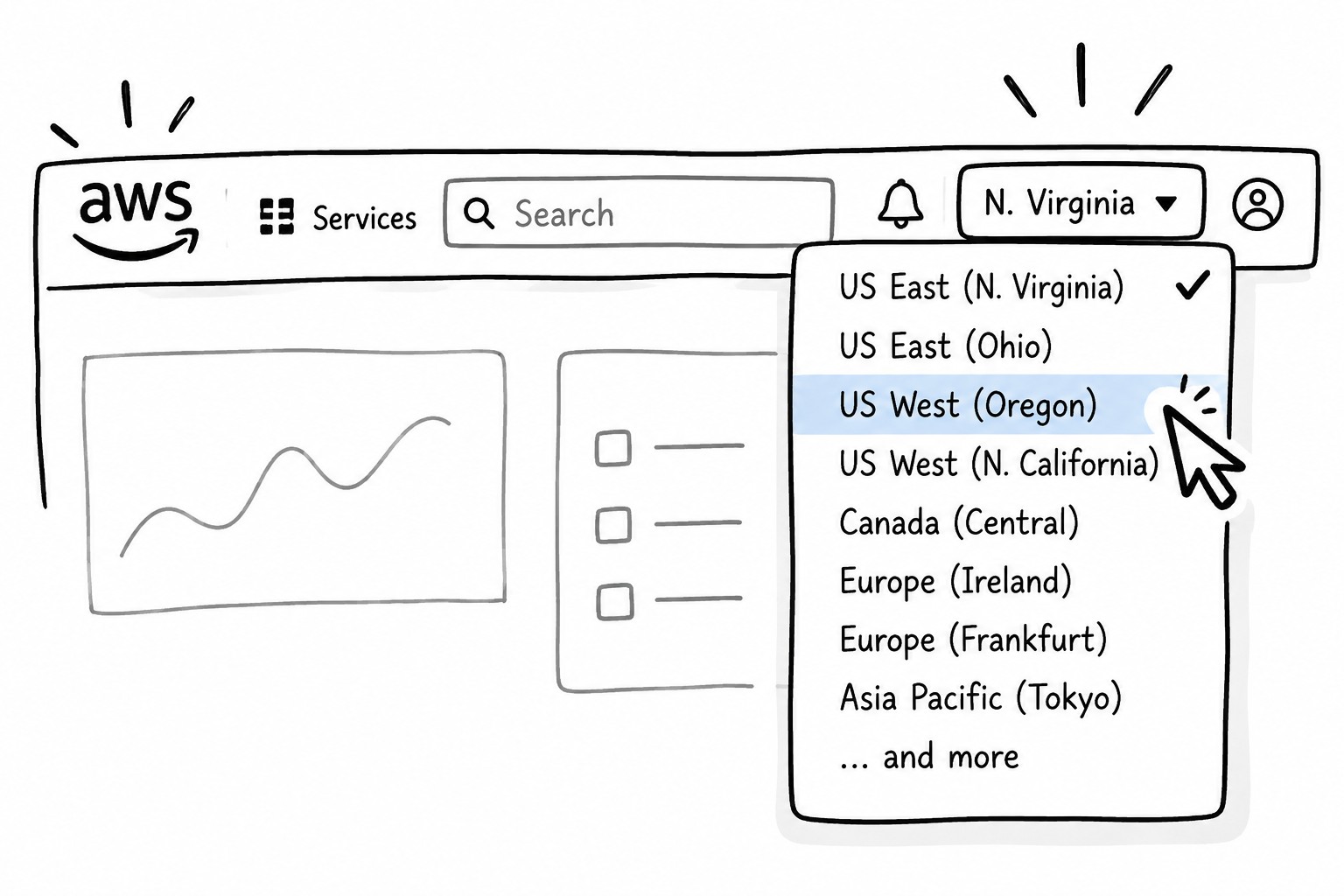
It was still sitting there, taking up roughly 1.5 TB and contributing substantially to my monthly AWS bill. The main reason I missed it was a common AWS gotcha: regions.
Most of my AWS infrastructure is in one region, so that’s where I normally look when browsing the AWS console. This particular resource was sitting in another region. Unless you switch regions, it’s remarkably easy to forget something exists.
Claude helped me work through the billing, figure out what was generating the expense, locate the resource, and determine whether I could safely get rid of it. A little embarrassing, but also a pretty significant savings from something that had essentially disappeared from view.
S3 Storage Classes
Once I realized there might be other forgotten infrastructure, we started looking at S3.
Sure enough, I had buckets I’d forgotten about. Some contained data that was no longer important and could simply be deleted. Others were archives I wanted to keep, but rarely access.
For those, the answer wasn’t really "change the S3 storage." It was to change the S3 storage class and, where appropriate, use lifecycle rules to move older objects into less expensive storage automatically.
S3 Standard makes sense for files you access regularly. But if you have hundreds of gigabytes of "nice to have" archives that you may not touch for years, AWS has cheaper storage classes designed specifically for that use.
So we went bucket by bucket, looking at what the data actually was, how often I was likely to need it, and whether a different storage class made sense. There were additional savings there without actually giving up data I wanted to keep.
And then we found an actual bug
One of the bigger surprises wasn’t AWS configuration at all.
I have a local RAID that pulls server backups down from AWS using rsync. A cron job was periodically pruning old local backup files. The problem was that rsync preserved the original modification dates of the server files, and the pull wasn't mirroring deletions.
The result was a wonderfully stupid little loop. My server would have an older backup. The local machine would download it. The pruning script would see the old modification date and delete it. Then the next rsync would see that the file was missing locally and download it all over again.
On one run, the machine downloaded about 333 GB. Four days later, more than 3,400 of those newly downloaded files were already gone.
So I wasn't just paying to store backups. I was repeatedly paying AWS data transfer charges to download some of the same backups over and over. Claude helped me trace that through the cron jobs, rsync scripts and AWS billing. We disabled the problematic prune job and changed the appropriate rsync jobs to actually mirror the server.
About 30 minutes. About $350/month.
The part I found most interesting wasn't that Claude spotted a single magical AWS setting. It was the process.
In about 30 minutes, I could bounce between AWS billing, EC2 snapshots, S3 buckets, cron jobs and shell scripts. Claude gave me AWS CLI commands to run, I pasted the results back, and we kept narrowing things down.
I generally understood what the commands were doing. But I would not have known all of the commands off the top of my head, and finding them myself would have meant a lot of documentation reading, Googling and poking around the AWS console.
Instead, it became a conversation:
"Why did this go up?"
"What is this charge?"
"How do I find what's generating it?"
"Is this safe to delete?"
"What else should we check?"
That process ultimately uncovered roughly $350/month in infrastructure savings, or about $4,200/year. Not bad for half an hour, particularly when some of the savings came from Claude helping me discover that I had been paying Amazon for forgotten resources and repeatedly downloading my own backups.
Hence the title.